
Backup Before Upgrade
Backup before upgrade Before upgrade or as a general periodic backup procedure, follow these steps Backup installation files Stop Binfer service. Open file explorer and
We are very excited to announce the release of version 3.0 of Binfer. Some notable changes are listed below

Backup before upgrade Before upgrade or as a general periodic backup procedure, follow these steps Backup installation files Stop Binfer service. Open file explorer and


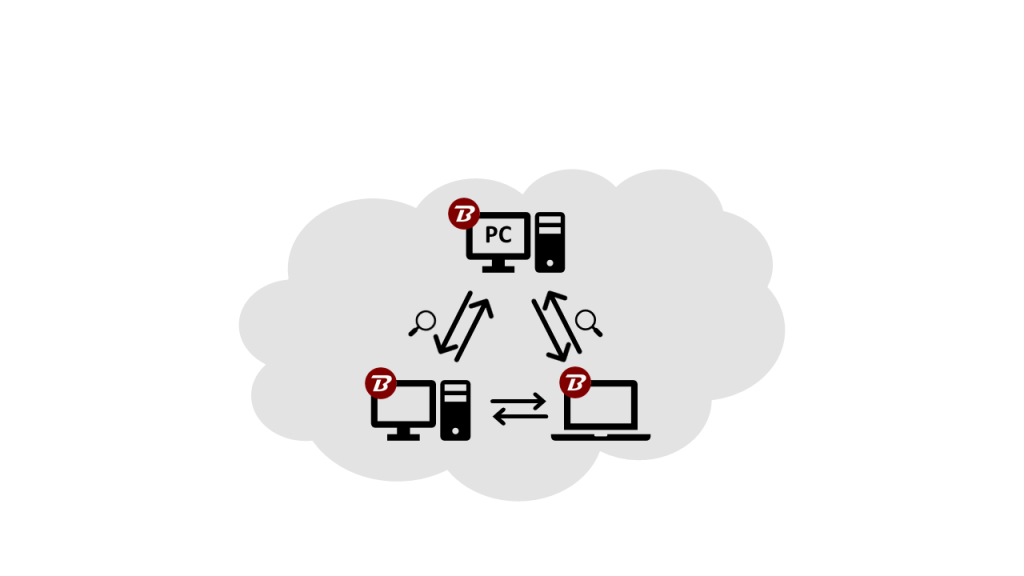
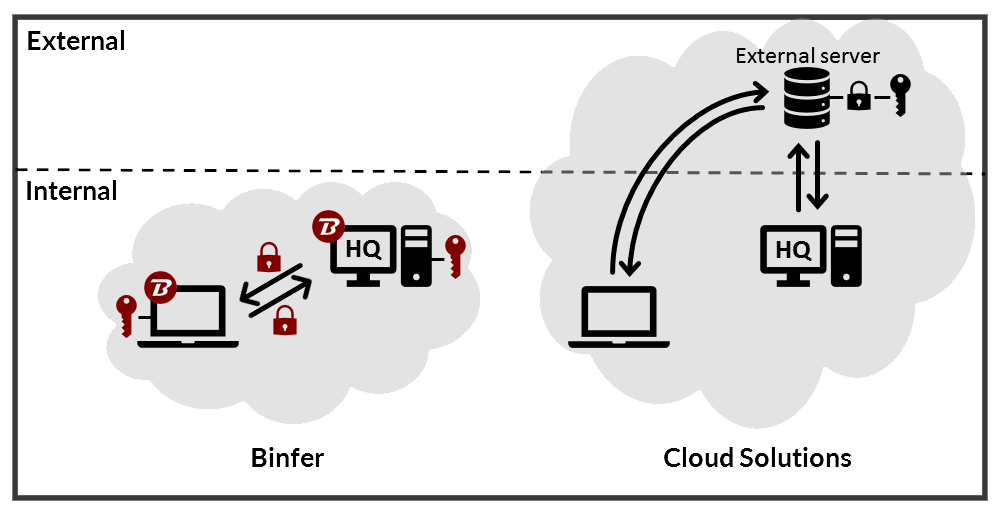
Binfer Enterprise Sync solution doesn’t use the cloud, instead of creating a direct device-to-device connection between devices. This establishes a ‘Private Cloud’ network where only authorized devices can participate in direct device synchronization.

Today people care about privacy the most. Binfer never uses clouds to transfer large files. Binfer is a direct device to device file-sharing software that can be used anywhere and by anyone.